
Change Your Application Language
You can update your application language at any time from the user settings.
Click the User Options menu in the upper right corner of the page, and select Profile & Settings.
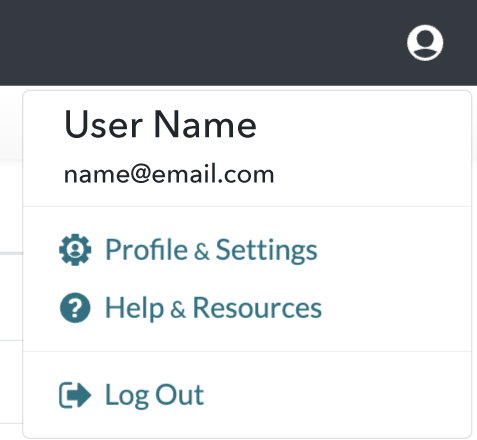
Under User Settings, click on the Profile tab. Select your preferred application language from the Language dropdown menu.

The application will also automatically localize if your browser language matches one of the available translations.
Currently Supported Languages
- English
- French
- Spanish
- German
More languages will be added in future releases. If there is a specific language you would like to see supported, please contact your Account Manager.